Statuses, priority and trackers
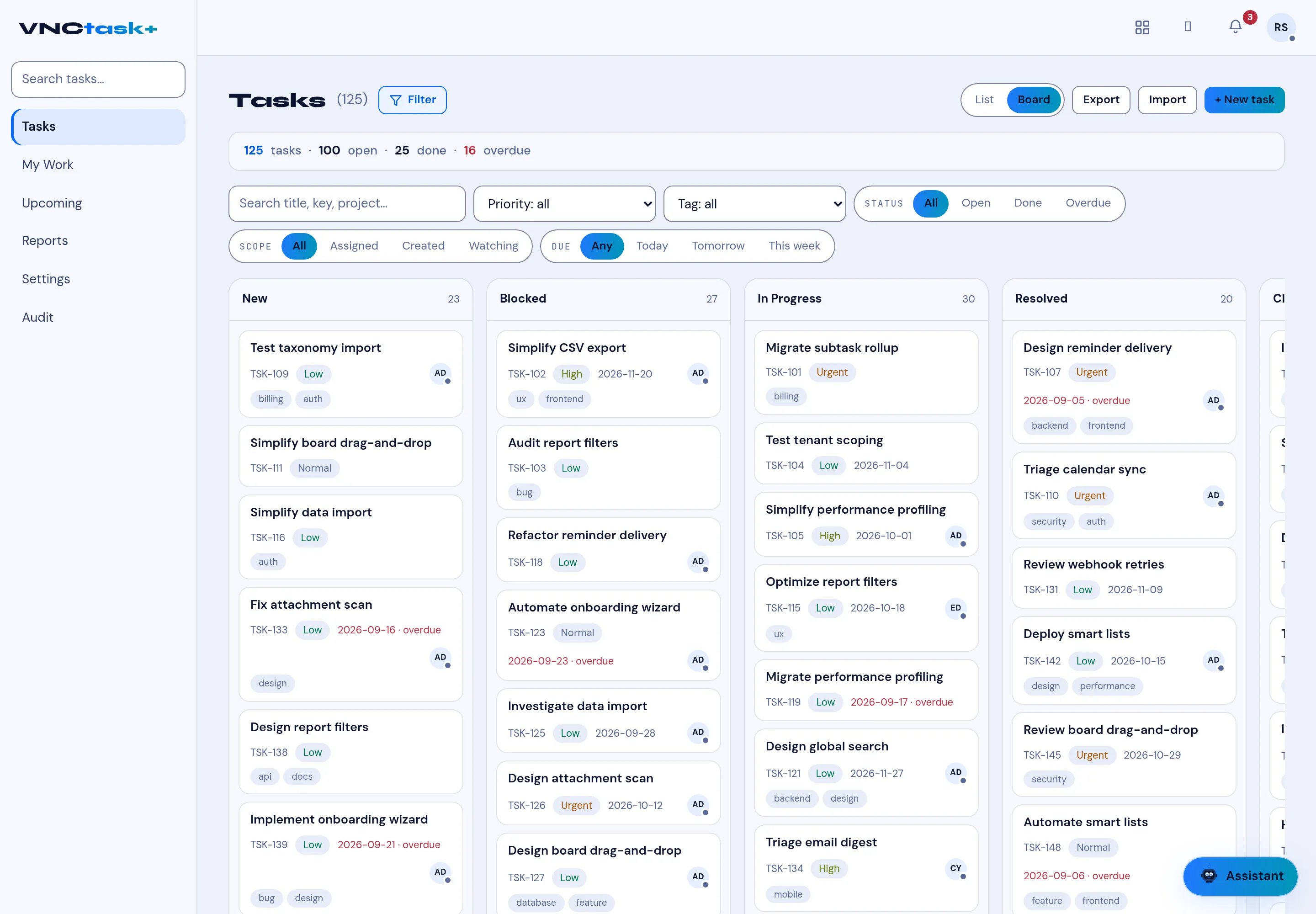
Every task carries a status, a priority and a tracker. The board groups tasks by status, which is why the two views stay in sync.
Status
Section titled “Status”| Status | Meaning |
|---|---|
| New | Captured, not started. |
| Blocked | Cannot proceed yet. |
| In Progress | Being worked. |
| Resolved | Done, awaiting closure. |
| Closed | Finished. |
Priority
Section titled “Priority”Low, Normal, High, Urgent. Priority drives ordering and the By priority report.
Tracker
Section titled “Tracker”The tracker classifies the kind of work (for example bug, feature or support) and is used for grouping and reports.
Other fields
Section titled “Other fields”- Tags — free labels (for example
billing,ux,frontend); filter with the Tag picker. - Assignee, start date, due date, reminder, progress and estimated hours.
- Subtasks — shown with a subtask marker inside the parent.
- Scope — All, Assigned, Created, Watching.
- Due — Any, Today, Tomorrow, This week (overdue dates show in red).