Board elements and tools
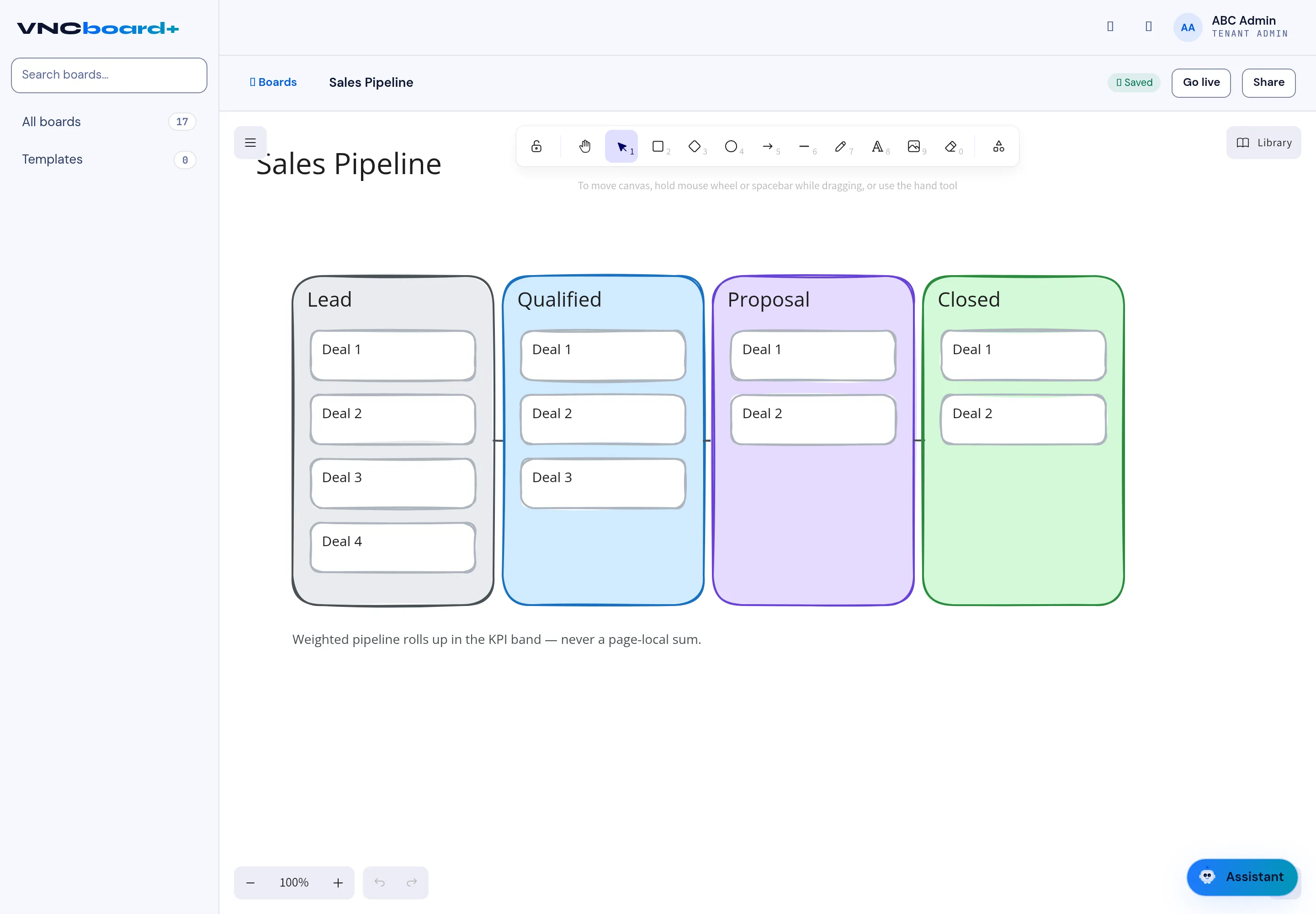
A board is an infinite canvas. You build it by placing elements and joining them with connectors. This page lists the element types and the toolbar tools.
Elements
Section titled “Elements”| Element | Use it for |
|---|---|
| Card | A titled box — deals, tasks, ideas. |
| Note | A sticky-style free note. |
| Diamond | A decision or branching step. |
| Circle | A state or start/end node. |
| Arrow / connector | The flow between elements. |
| Text | Labels and headings. |
| Image | Diagrams and pictures. |
| Frame | Group and move several elements together. |
| Draw (pen) | Freehand annotation. |
- Select, hand (pan) and the shape tools.
- Draw, text, image, frame.
- Undo / redo.
- Zoom — the percentage control, with + / −.
Text styling
Section titled “Text styling”When you select a text element you can set its stroke colour, font family, font size (S/M/L/XL), alignment, opacity, and layer order.
Around the board
Section titled “Around the board”- Library — reusable templates and assets.
- Go live — publish the board to viewers.
- Share — send it to colleagues.
- Templates — start a new board from a saved template.