How contacts, the directory and CRM fit together
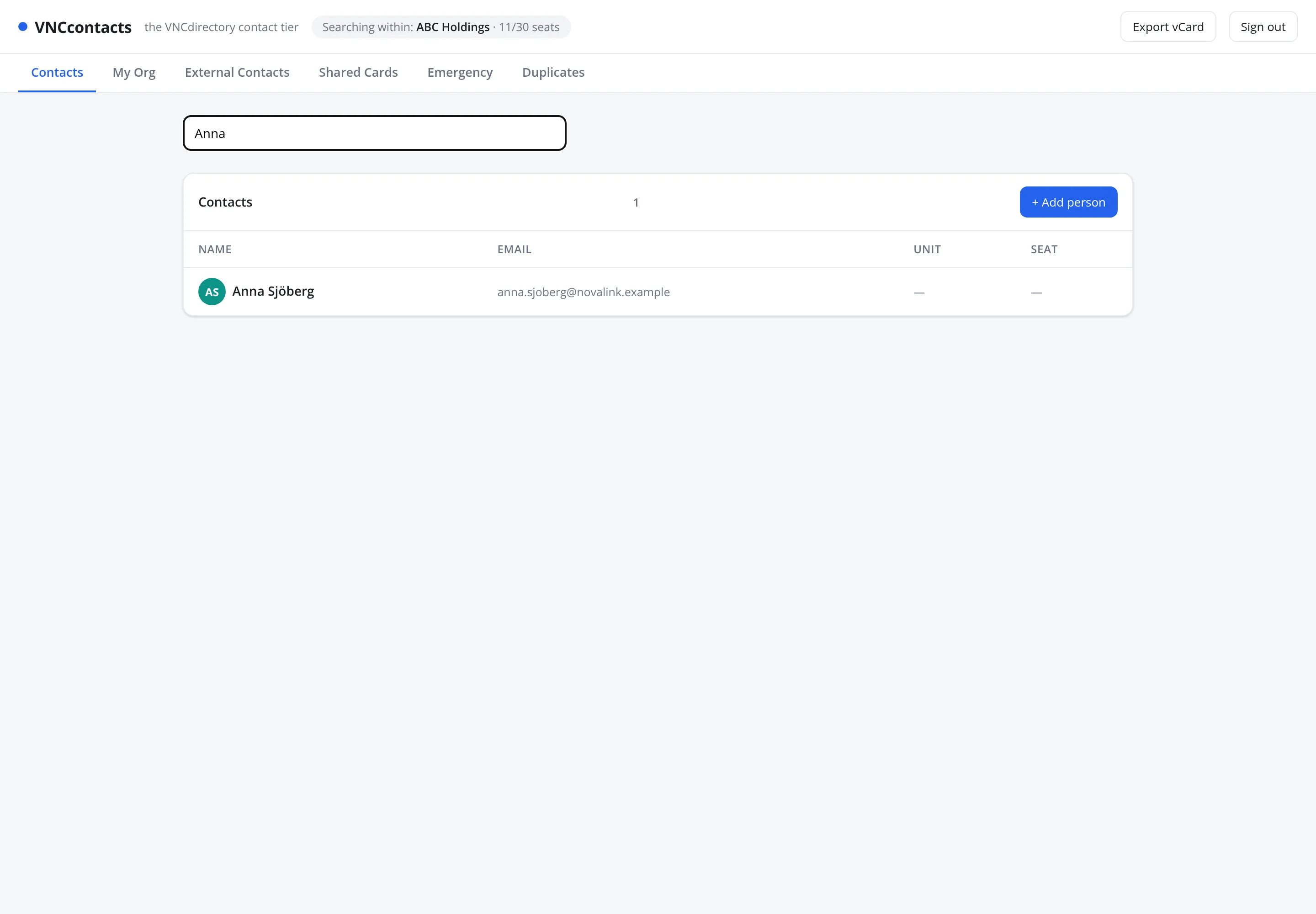
VNCcontacts (VNCcontacts+) is the contact tier of VNCdirectory+. It shows the people and organizations you are allowed to see, drawn from the directory — it does not keep a separate address book that can drift.
The tabs, and what each scope means
Section titled “The tabs, and what each scope means”| Tab | Scope |
|---|---|
| Contacts | Everyone visible to you. |
| My Org | People in your own organization. |
| External Contacts | People outside it (customers, partners, suppliers). |
| Shared Cards | Cards shared with you or by you — see Share cards. |
| Emergency | Emergency contacts. |
| Duplicates | Suggested duplicate records to review. |
Where CRM comes in
Section titled “Where CRM comes in”When you add a contact you can enable Sync to CRM, which makes the person available to VNCcrm as a lead or contact. External organizations are modelled as External Parties in VNCdirectory+ and referenced by CRM and PRM, so the same company is never duplicated.
Sharing
Section titled “Sharing”Visibility is controlled by Shared Cards: a grant names a grantee (a person or unit), a resource, an effect (allow / deny) and an expiry. Administrators manage lists, custom fields and do-not-contact there too.