The left navigation
VNCboard+ has a small sidebar on the Boards list, and a toolbar on the canvas once a board is open.
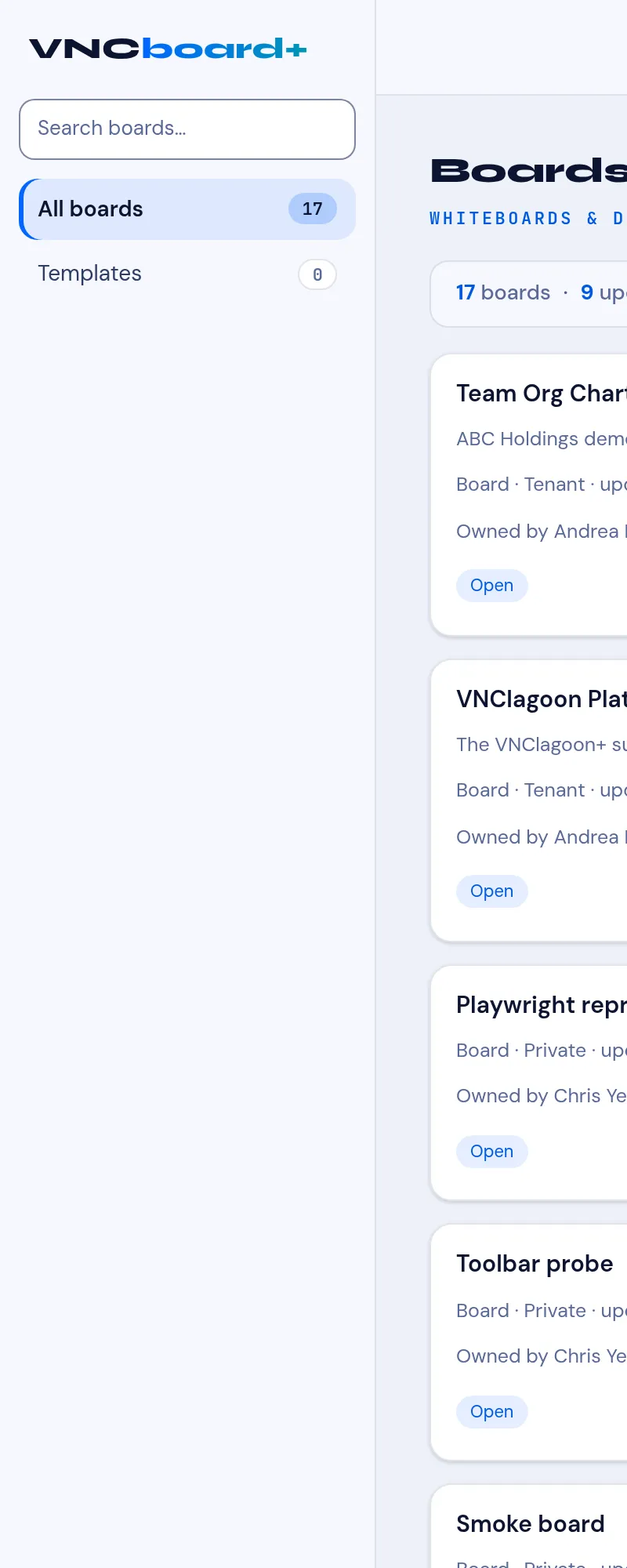
The sidebar
Section titled “The sidebar”| Item | What it is |
|---|---|
| Search boards… | Find a board by name. |
| All boards | Every board you can see (with a count). |
| Templates | Reusable starting points. |
+ New board (top right) creates a blank board. → The Boards list · Create a board
Inside a board
Section titled “Inside a board”When a board is open, the top bar has:
- ← Boards — back to the list.
- The board title (click to rename).
- ✓ Saved — everything autosaves.
- Go live — start a live, end-to-end-encrypted co-editing session.
- Share — mint a read-only, expiring link.
And the canvas toolbar (top centre):
| Tool | Draws |
|---|---|
| Select / Hand | Pick an element, or pan (also mouse wheel / spacebar). |
| Sticky / Diamond / Circle | Notes and shapes. |
| Arrow / Line | Connectors. |
| Draw / Text | Freehand and labels. |
| Image / Frame | Paste an image; group content. |
| Connector | Bind elements point to point. |
Bottom-left: zoom − / % / + and Undo / Redo. Top-right: Library. → Board elements and tools · Open and navigate a board · Go live and co-edit a board