Filters and grouping reference
The Tasks list can be narrowed with quick filters, a full Filters builder, and grouped with Group by. This page lists every option.
Quick filters
Section titled “Quick filters”Below the search box:
| Control | Values |
|---|---|
| Status | All, Open, Done, Overdue |
| Scope | All, Assigned, Created, Watching |
| Due | Any, Today, Tomorrow, This week |
| Priority | all, or a specific priority |
| Tag | all, or a specific tag |
The Filters builder
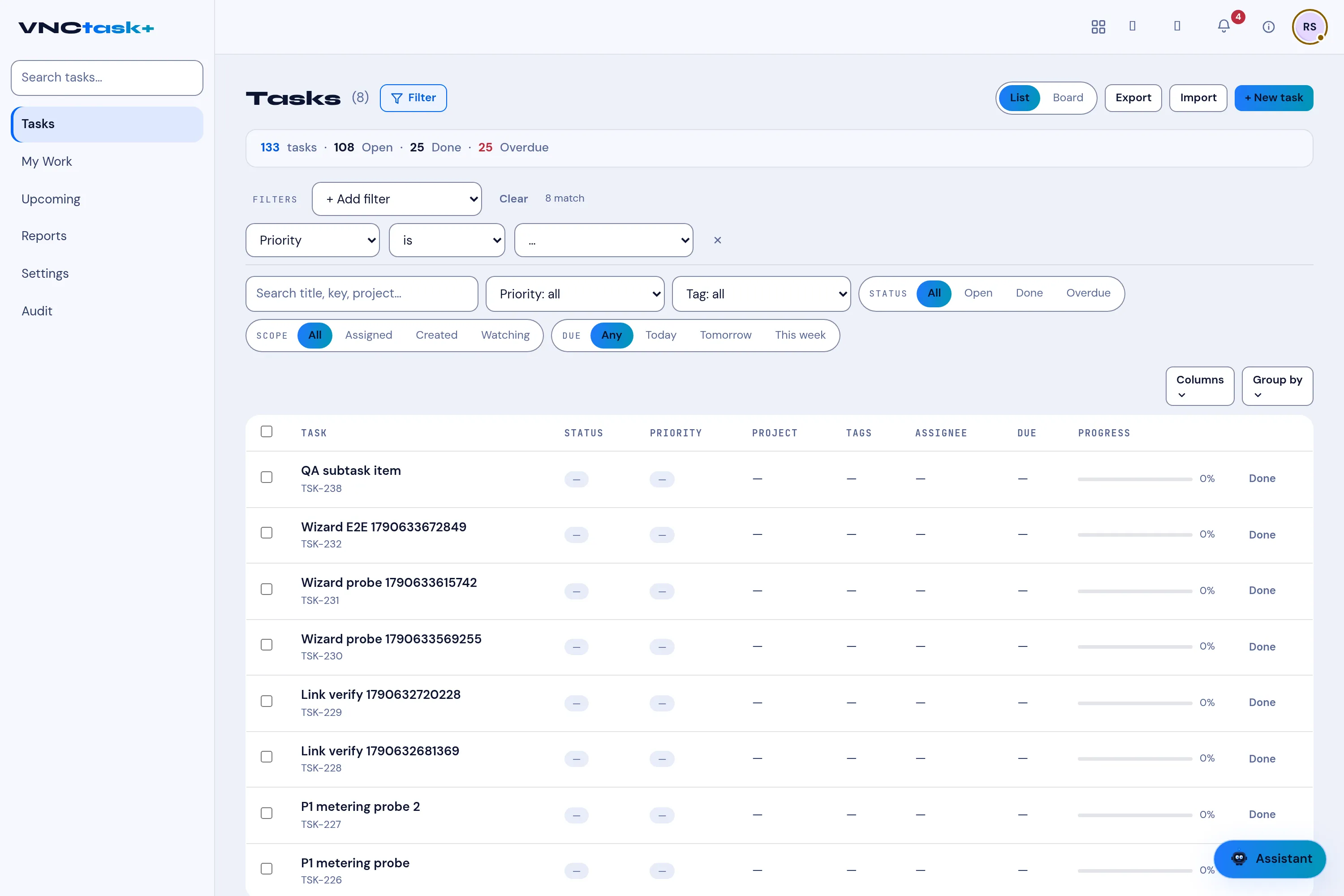
Section titled “The Filters builder”Select Filter to open the Filters row, then + Add filter and build a rule from three parts — a field, an operator and a value. Add as many rules as you need; they combine (all must match). The row shows how many tasks match, and each rule has an × to remove it; Clear removes them all.
Fields and operators
Section titled “Fields and operators”| Field | Operators |
|---|---|
| Status, Priority, Project, Location | is · is not · is set · is empty |
| Tracker, List | is · is not |
| Assignee | is · is not · is me · is set · is empty |
| Author | is me · is · is not |
| Due | between · before · after · today · tomorrow · overdue · is set · is empty |
| Created | between · after · before · today |
| Progress | is · ≥ · ≤ · between |
| Tags, Task (title) | contains |
Group by
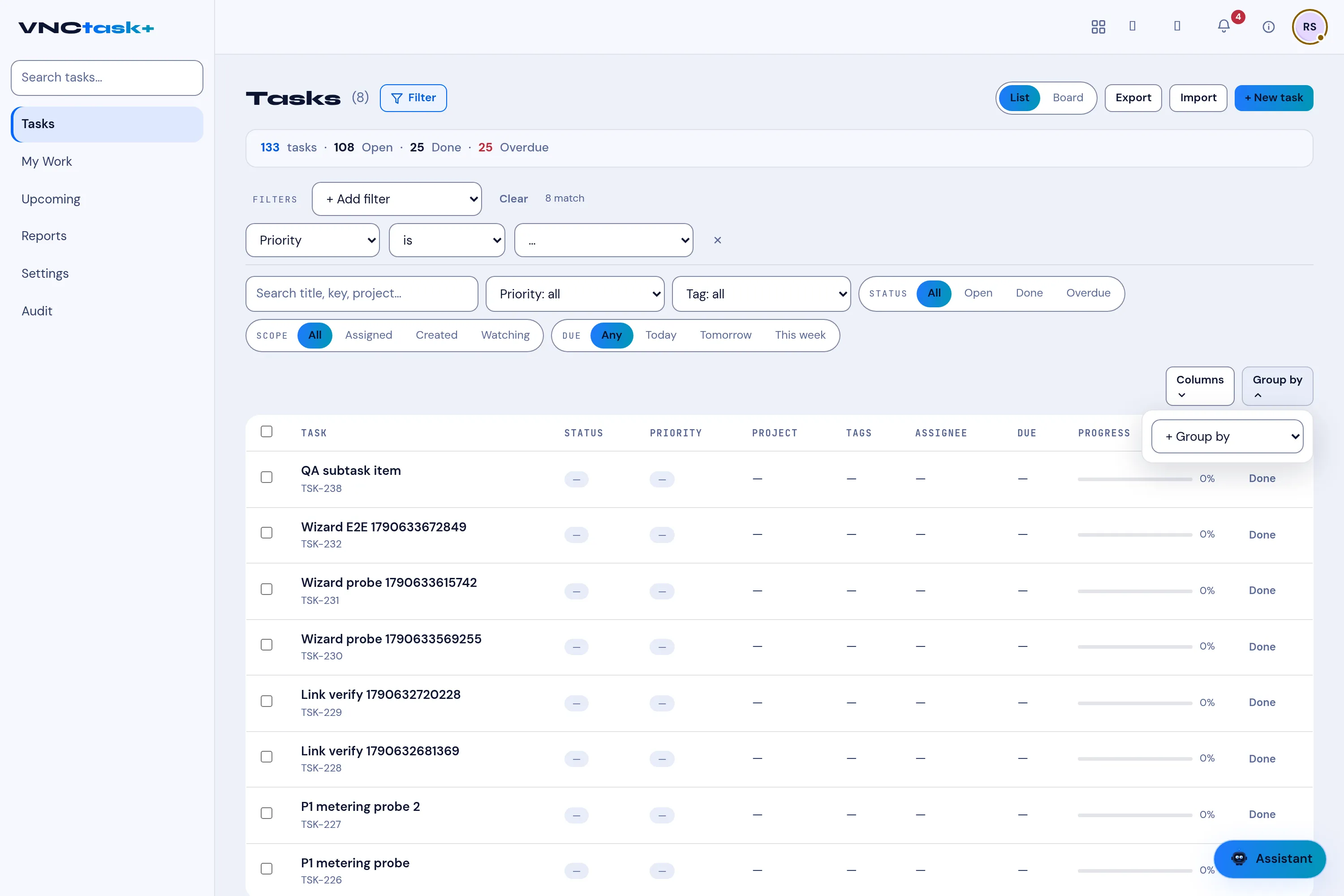
Section titled “Group by”Group by stacks the list by one or more fields — add a second field and the rows are grouped by the first, then the second. Group fields are numbered; select Clear to remove them.
Columns
Section titled “Columns”Columns chooses which fields appear in the list (see The task list).