First steps with VNCcontacts+
By the end of this tour you will have found someone, added a contact and shared a card.
1. Open Contacts
Section titled “1. Open Contacts”Open VNCcontacts+ from the portal. It is the contact tier of VNCdirectory+, so it shows the people you are allowed to see.
2. Find a person
Section titled “2. Find a person”Type a name in the search box. Use the tabs to change scope: Contacts, My Org, External Contacts, Shared Cards, Emergency, Duplicates.
3. Add a contact
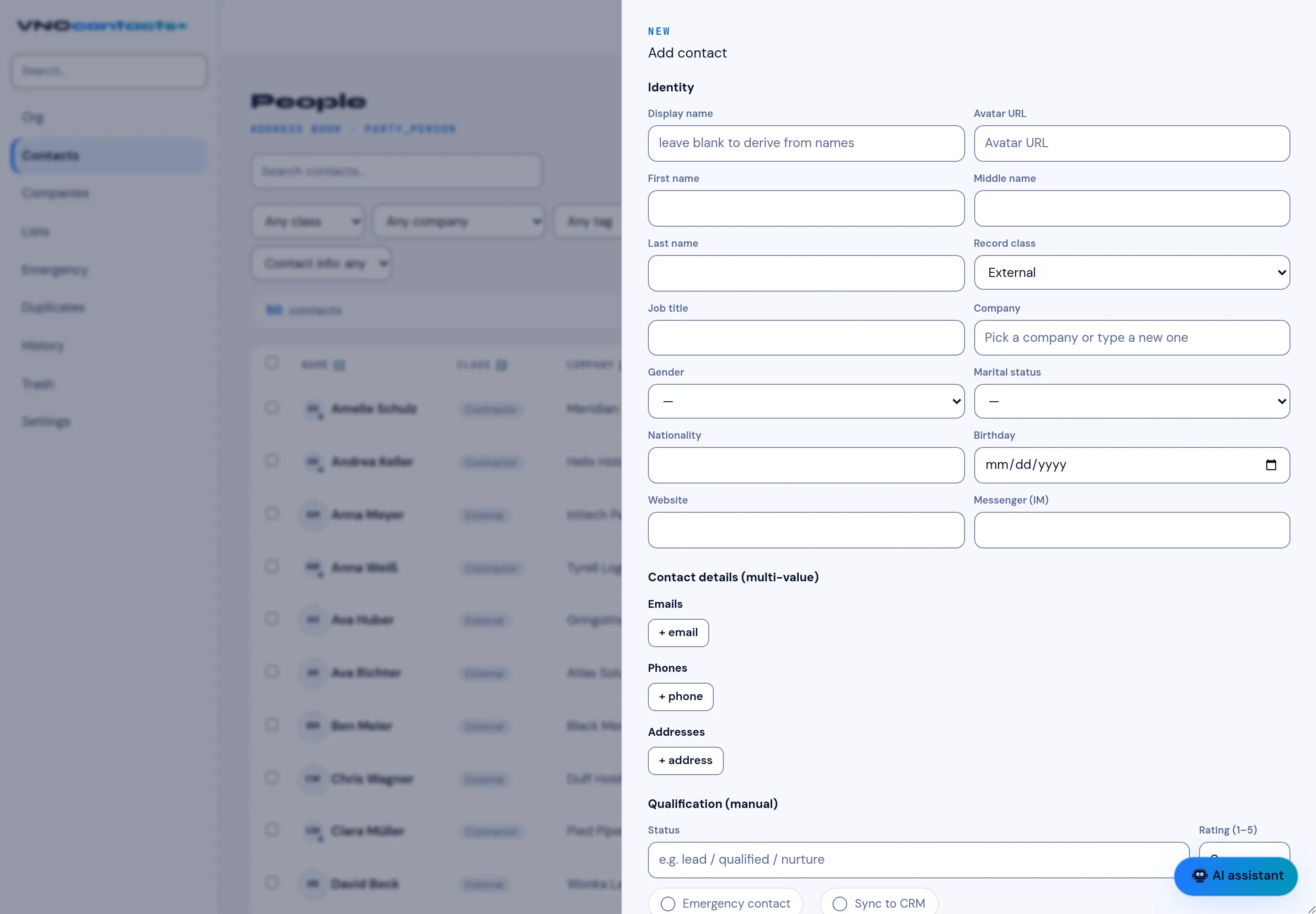
Section titled “3. Add a contact”Select + New contact, fill in the name and contact details, and — if the person should be visible to VNCcrm — enable Sync to CRM. Select Save.
4. Share a card
Section titled “4. Share a card”Open the Shared Cards tab, select + Share card, and choose who gets which resource.
What you learned
Section titled “What you learned”- Contacts come from the directory — there is no separate address book.
- The scope tabs change whose records you see.
- Sharing is explicit and auditable in Shared Cards.