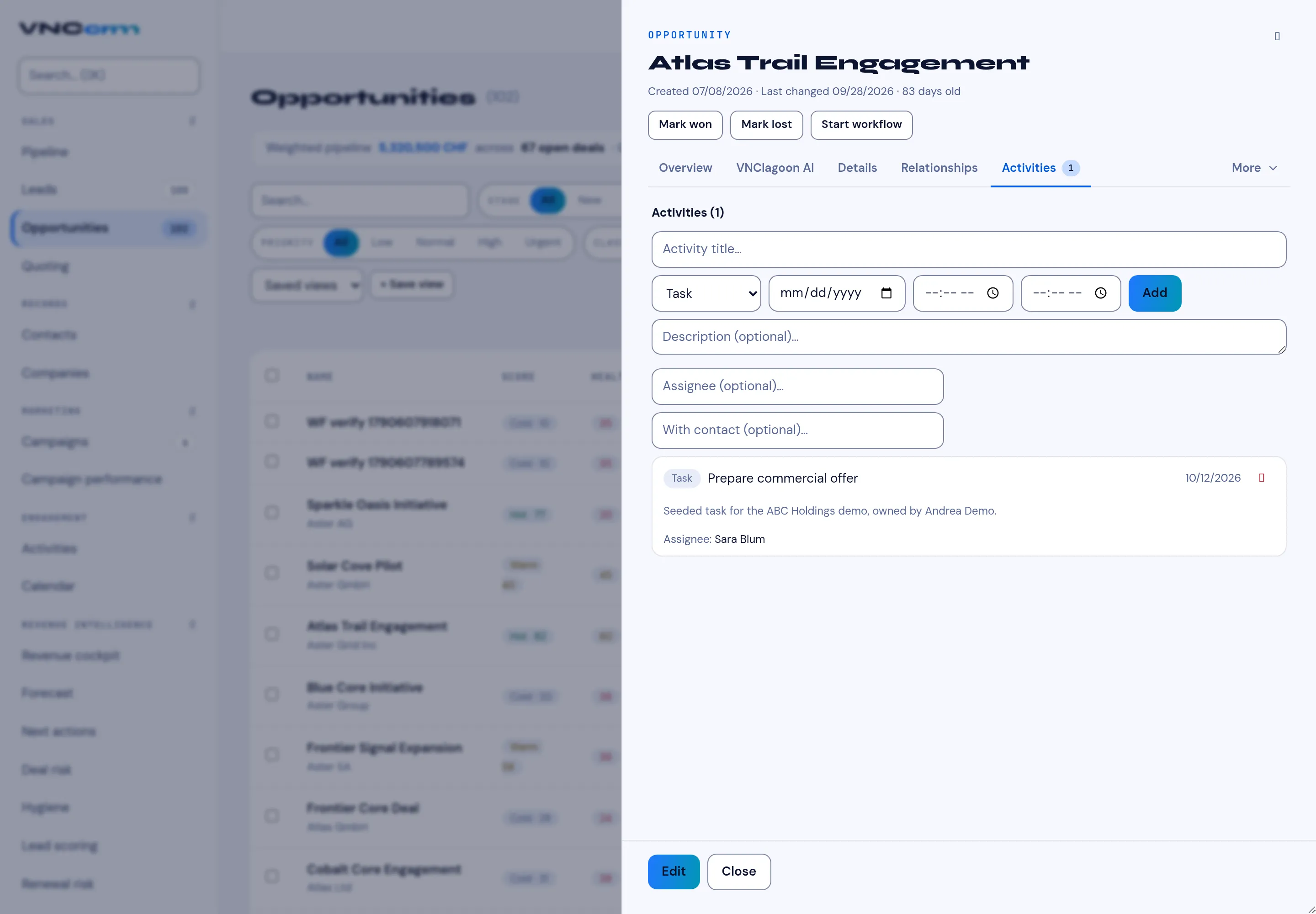
A deal's Activity tab
Open an opportunity and its tabs are Overview, VNClagoon AI, Details, Relationships, Activities (with a count) and More. The Activities tab is where a deal’s history of calls, meetings, emails, tasks and notes lives — and where you add more.
Add an activity
Section titled “Add an activity”- On the Activities tab, type an Activity title.
- Pick the type (Task, Call, Meeting, Email, Note), a date, and optional start/end times.
- Select Add, then optionally fill Description, Assignee and With contact.
Read the feed
Section titled “Read the feed”Each entry shows its type, title, date, Assignee and Contact, with a remove action. The same activities appear in the Activities list and on the CRM calendar.
Header actions
Section titled “Header actions”Mark won / Mark lost close the deal; Edit changes it, Close leaves the panel, and More holds the rest.