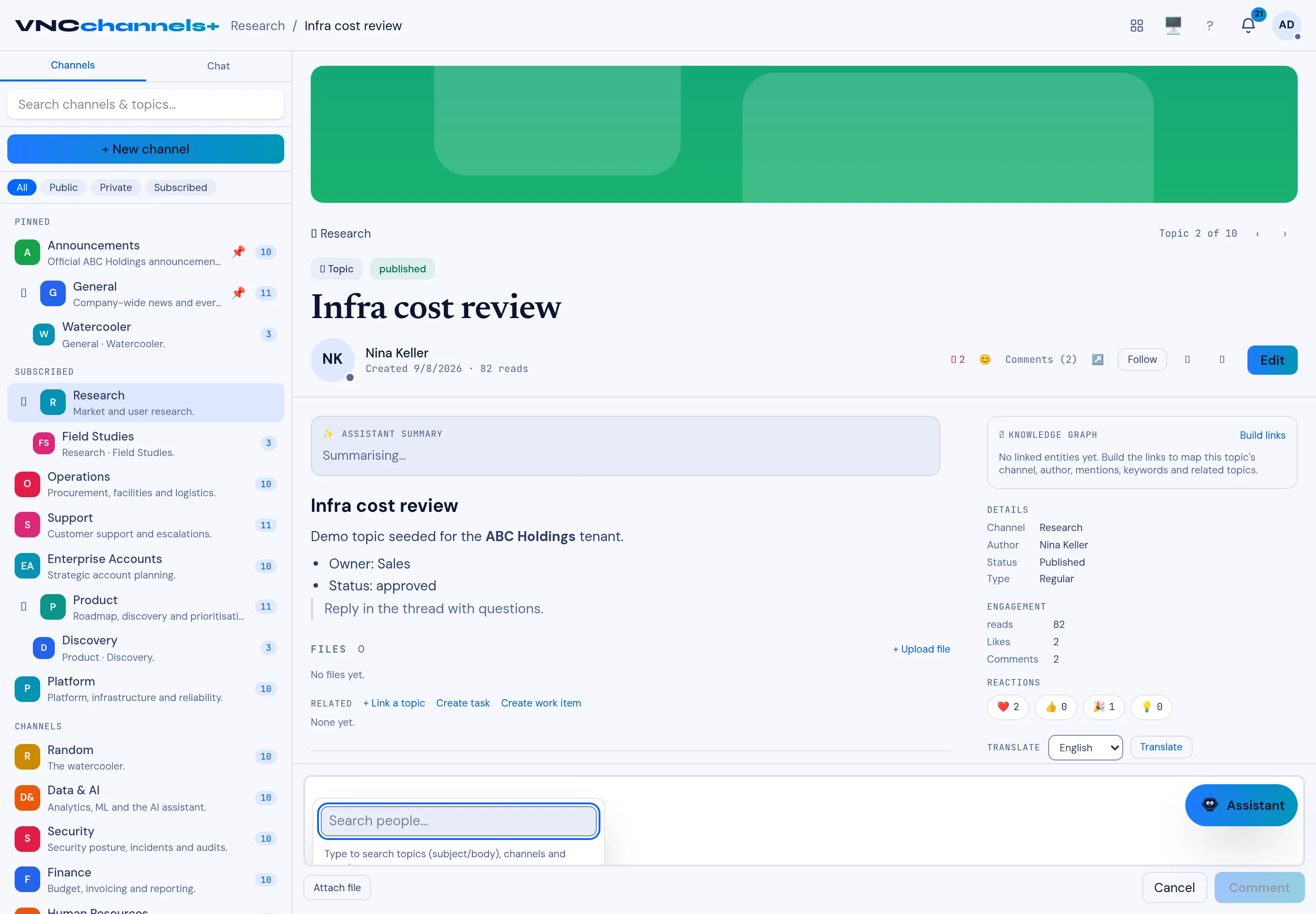
Mention a colleague
A mention notifies a colleague and links them to the topic, so the right person sees it without being sent a separate message.
- Open a topic and go to the comment composer.
- Type @, or select the mention control in the toolbar.
- Type the person’s name in the Search people… box and select them.
- Finish your comment and select Comment.
Result
Section titled “Result”The mention appears as a link in the comment. The person receives an entry in their notification rail under Mentions, and their name is listed under People in the topic’s Details rail.