First steps in the partner portal
By the end of this tour you will have registered a deal and found a resource.
1. Open the portal
Section titled “1. Open the portal”Open VNCprm from the portal. The Dashboard shows your active deals, pipeline value, downloads and tier.
2. Register a deal
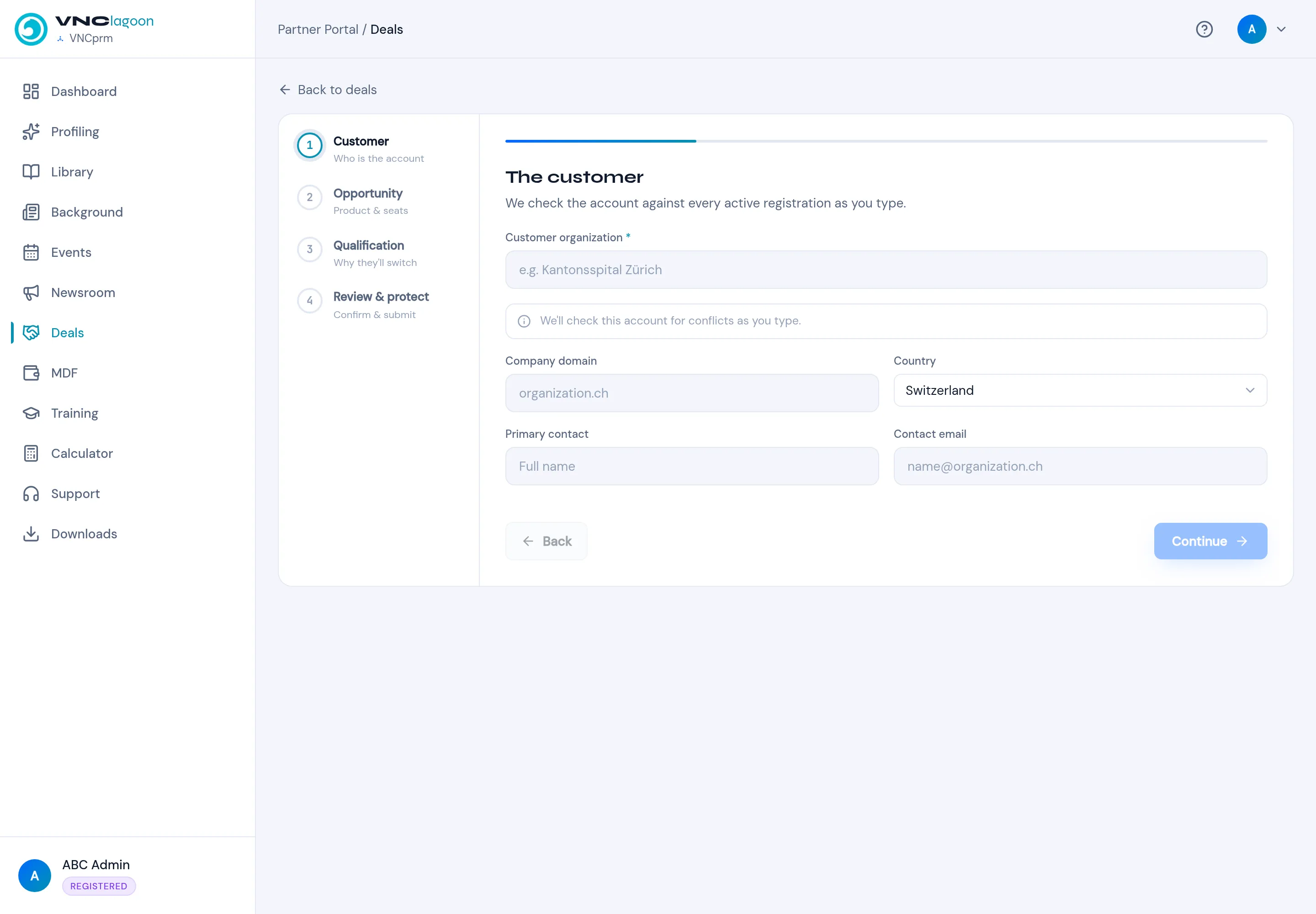
Section titled “2. Register a deal”Select Register Deal. Step through the wizard — Customer, Opportunity, Qualification, Review & protect — and submit.
3. Find material
Section titled “3. Find material”Open Library and filter by category. Items show the tier they need (for example Requires SILVER); your own tier is shown as YOUR TIER: ….
4. Keep learning
Section titled “4. Keep learning”Use Training for courses and quizzes, and check Deals to follow your registrations.
What you learned
Section titled “What you learned”- Deals are registered once and tracked in the portal.
- The library is tier-gated to your partnership level.