Tags
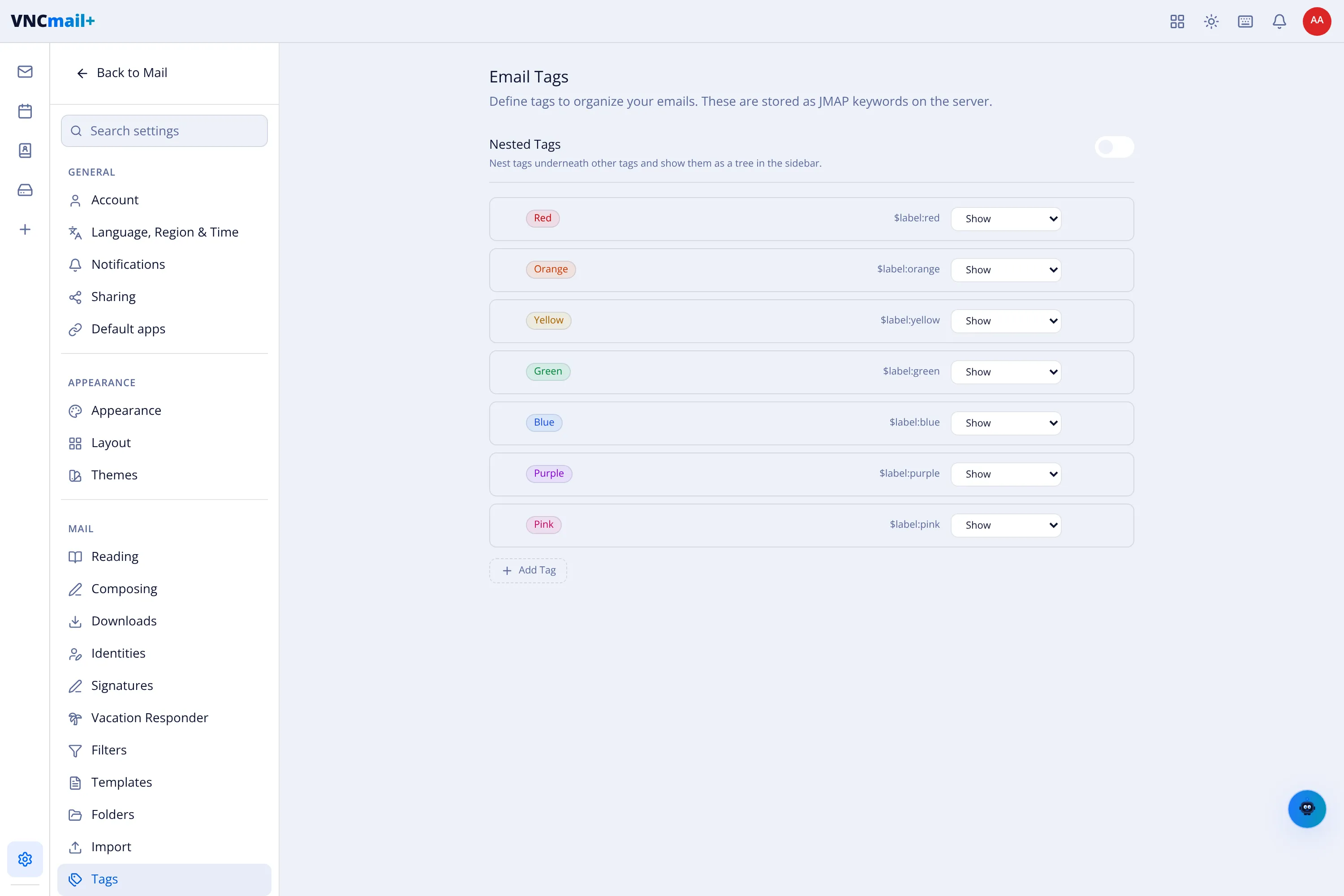
Settings → Tags defines the colour tags you can put on mail. They are stored as JMAP keywords on the server, so they travel with the message and appear in other clients.
The page
Section titled “The page”- Nested Tags — nest tags under other tags and show them as a tree in the sidebar.
- One row per tag with its colour, its keyword (for example
$label:red) and a Show control. The defaults are Red, Orange, Yellow, Green, Blue, Purple and Pink. - + Add Tag — create another.
The same tags appear in the sidebar where you can filter by them — see Folders and tags.