Contact settings
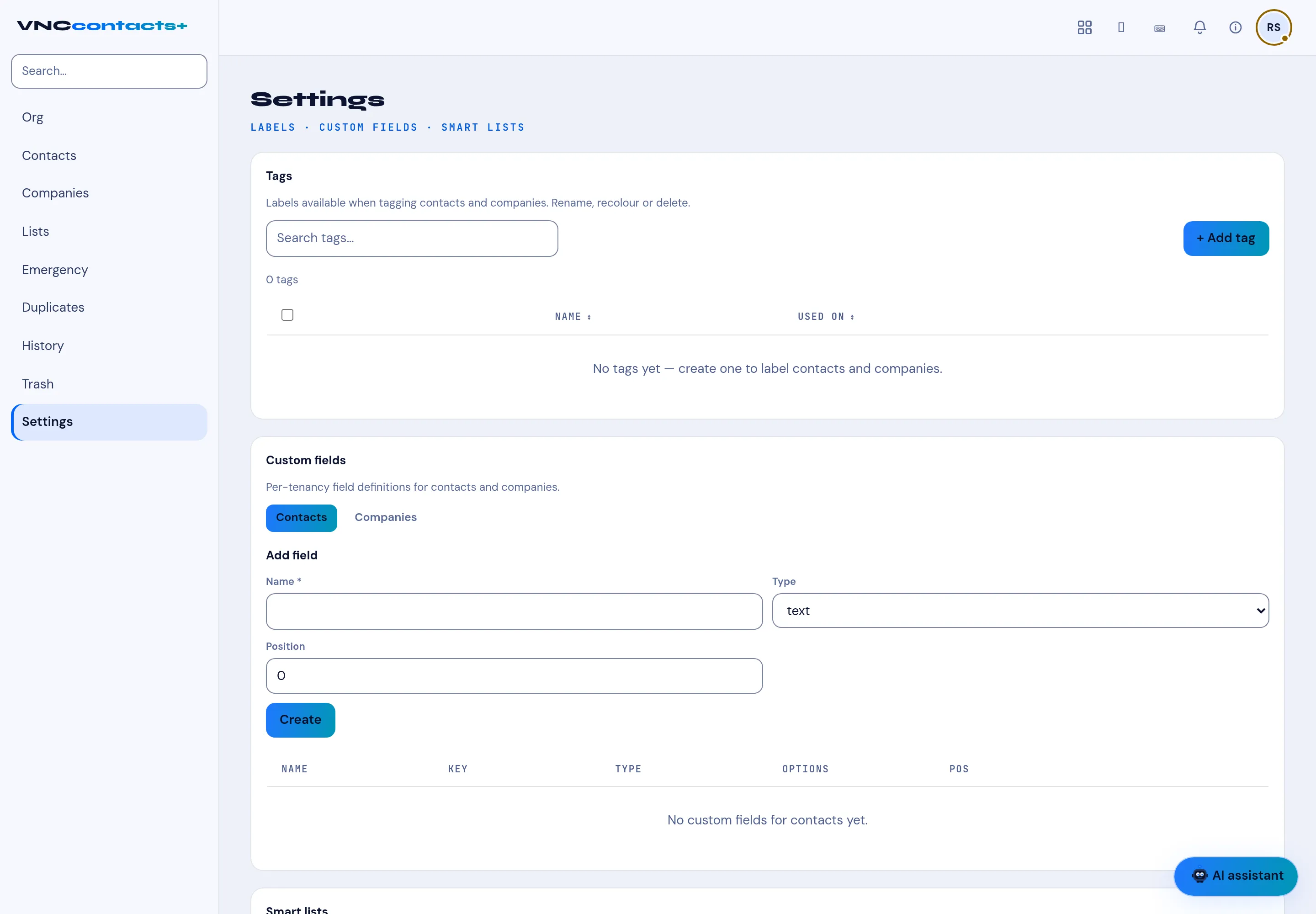
Settings (tagged LABELS · CUSTOM FIELDS · SMART LISTS) is where the address book is configured.
Labels available when tagging contacts and companies. Search tags… finds one; + Add tag creates one. The table shows Name and Used on. A tag can be renamed, recoloured or deleted.
Custom fields
Section titled “Custom fields”Per-tenancy field definitions for Contacts or Companies (the toggle). Add one with Name, Type (for example text), Position and Create. The table lists each field’s Name, Key, Type, Options and Pos.
Smart lists
Section titled “Smart lists”Below custom fields, Smart lists define saved, rule-based selections of contacts (see Lists for the on-page list view).