Lists, custom fields and suppressions
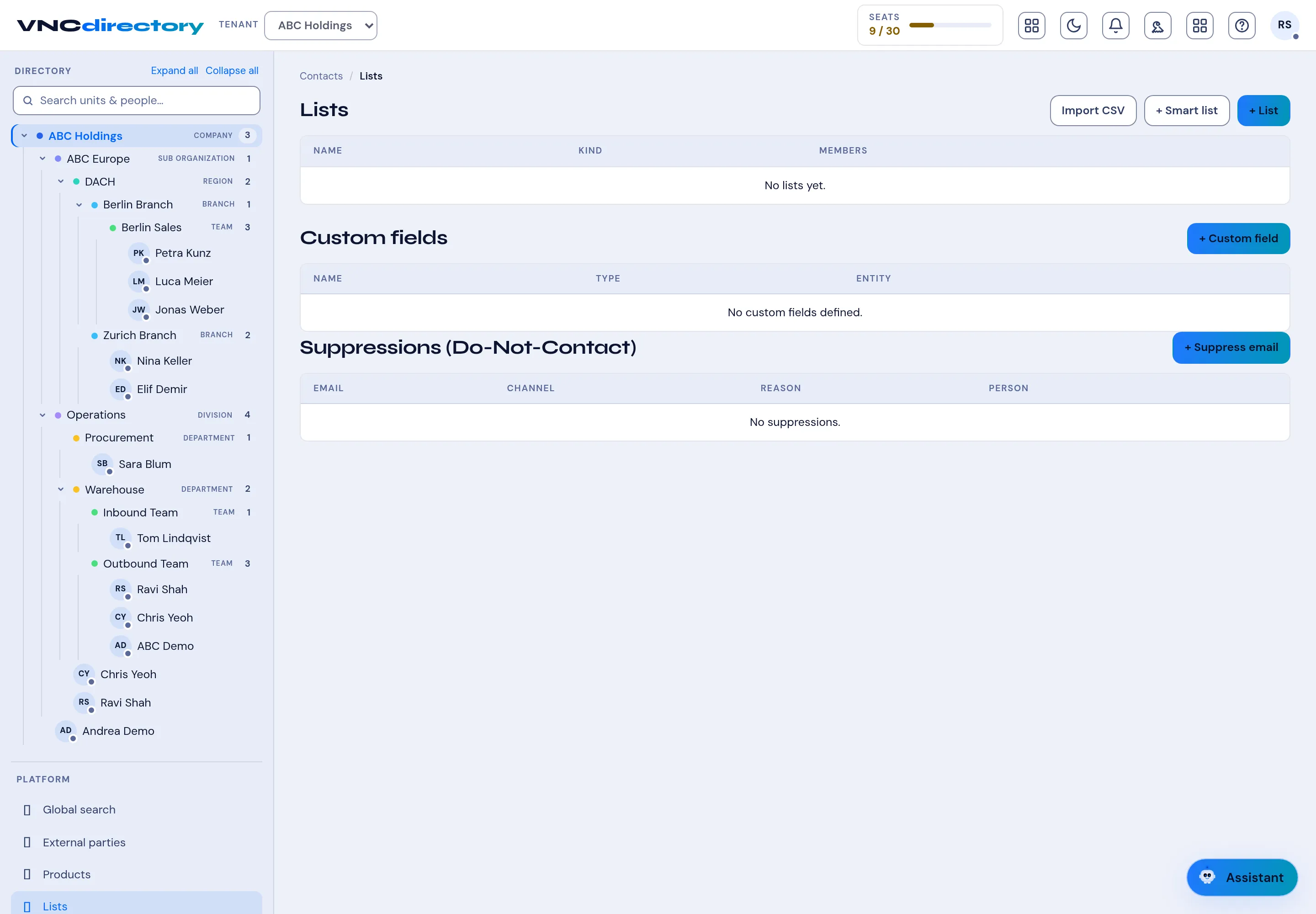
Lists covers three admin tools for records: static/smart Lists, Custom fields, and Suppressions (do-not-contact).
- Open VNCdirectory+ and select Lists.
- Lists — segment people or orgs. Create one with + List (static) or + Smart list (rule-based), and bulk-load with Import CSV.
- Custom fields — add your own attributes to records with + Custom field, choosing the Type and the Entity it applies to.
- Suppressions (Do-Not-Contact) — block a channel for a person or address with + Suppress email. Each row shows the Email, Channel, Reason and Person.
Result
Section titled “Result”Lists can be used wherever you pick an audience, custom fields appear on the records they extend, and suppressions are honored by mail and other channels.