Send a deal for approval
A deal can be routed through VNCworkflow for approval — for example a discount beyond your limit. The request and the deal stay linked: the deal shows the request’s reference and its journey, and the request never changes the deal itself.
Start a workflow
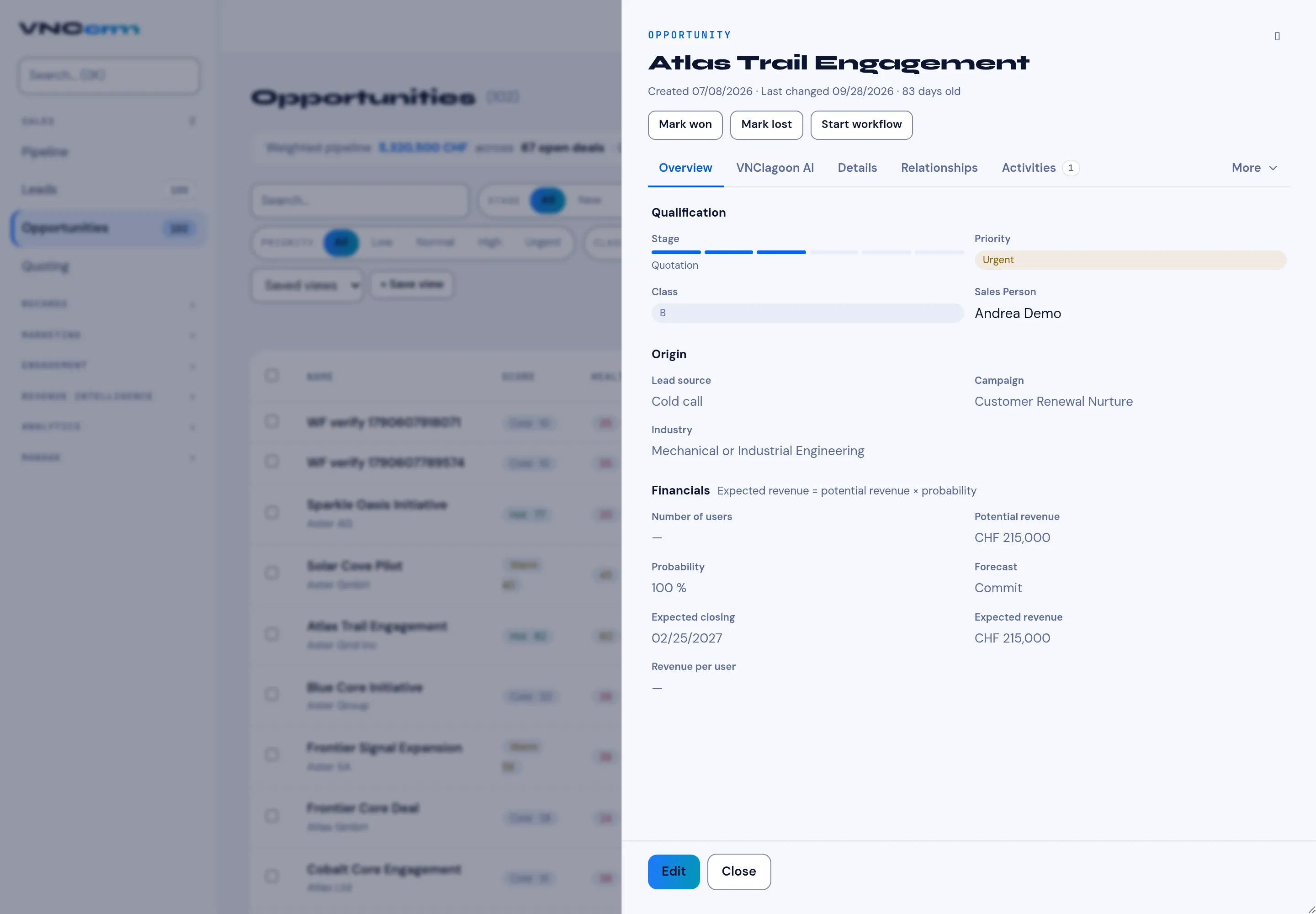
Section titled “Start a workflow”- Open the opportunity.
- Select Start workflow in the header.
- The create wizard opens with the deal as the source — see Start a workflow from any item.
- If the deal already has an open workflow, VNCcrm asks whether to open that one instead of starting a second.
Follow it
Section titled “Follow it”- Once started, the deal shows an approval chip with the request reference
(
V-YYYY-NNN); select it to open the request in VNCworkflow. - The deal’s History becomes a live timeline: it merges the deal’s own
events (notes, field changes) with the VNCworkflow journey —
submitted,forwarded,approved,rejected,commented,assigned— as it unfolds. - Approval decisions are recorded on the deal (record-only), and the timeline offers the approve / reject action on the approval route.